Git and GitHub: A Developer’s Essential Toolkit
Explore why Git and GitHub are indispensable for modern developers, how they work together, and practical tips to master version control and collaboration.
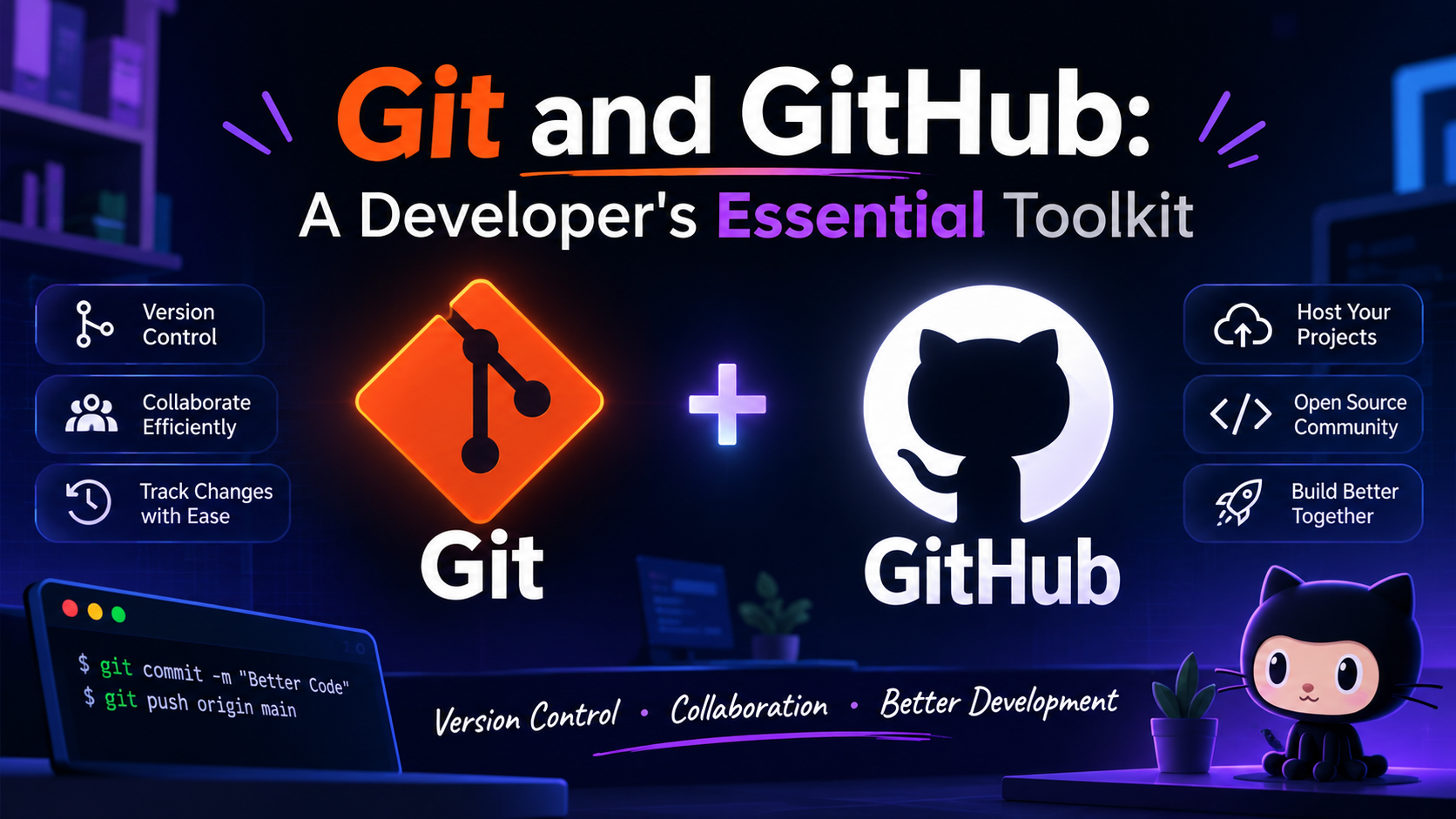
Introduction
Version control is the backbone of modern software development. Among the many tools available, Git and GitHub have become the de‑facto standard for individuals and teams alike. This article explains why they are essential, how they complement each other, and provides actionable guidance you can apply immediately.
Why Git Matters
Git is a distributed version‑control system created by Linus Torvalds in 2005. Its design emphasizes speed, data integrity, and support for non‑linear workflows. Key advantages include:
Full history available offline.
Efficient branching and merging.
Cryptographic checksums that protect against corruption.
“Git is designed to handle everything from small to very large projects with speed and efficiency.” – Linus Torvalds
GitHub: More Than a Remote Repository
GitHub builds on Git by adding a web‑based platform for collaboration, code review, and project management. Features such as pull requests, issue tracking, and GitHub Actions turn a simple repository into a complete development hub.
Core Workflow
1. Clone the repository
git clone https://github.com/username/project.git
2. Create a feature branch
git checkout -b feature/login-page
3. Commit changes
git add .
git commit -m "Add login page with validation"
4. Push and open a Pull Request
git push origin feature/login-page
Then use the GitHub UI to create a pull request, assign reviewers, and discuss feedback.
Practical Tips for Everyday Use
Use
git statusfrequently. It keeps you aware of staged, unstaged, and untracked files.Leverage GitHub Actions for automated testing and deployment.
Configure
.gitignoreto exclude build artifacts and secrets.Squash commits before merging to keep the main branch history clean.
Take advantage of GitHub Codespaces for instant development environments.
Conclusion
Mastering Git and GitHub equips developers with a reliable workflow, robust collaboration tools, and a platform for continuous delivery. By integrating the core commands with GitHub’s extended features, you can streamline development, reduce errors, and focus on delivering value.